ZATCA registration is an important step for businesses in Saudi Arabia. This guide explains the required documents, application steps, VAT thresholds and e-invoicing requirements.
Your Saudi commercial registration is ready. But is your business registered for the right taxes?
The ZATCA registration process involves completing your taxpayer registration, checking whether VAT registration applies, and preparing for e-invoicing where required. These are separate steps. Receiving a Taxpayer Identification Number does not, by itself, confirm that you have completed VAT registration.
This guide explains what to prepare, how to apply, and what to check after approval. It focuses on companies and establishments operating in Saudi Arabia, with notes for individuals and non-resident businesses.
- What is ZATCA registration?
- ZATCA registration requirements: what to prepare
- ZATCA registration process: step by step
- 2026 update: check your Wave 25 Fatoora deadline
- How long does ZATCA registration take?
- What does VAT registration cost?
- Common ZATCA registration mistakes to avoid
- Frequently asked questions
- Complete your ZATCA registration with a clear plan
What is ZATCA registration?
ZATCA is Saudi Arabia’s Zakat, Tax and Customs Authority. Its registration services establish your business’s taxpayer profile and give you access to the relevant tax services.
For a newly formed establishment, ZATCA explains that Ministry of Commerce registration generates a Taxpayer Identification Number, or TIN. You must then access the ZATCA portal and complete the initial registration. zatca.gov.sa
Keep these stages separate:
| Stage | Purpose |
|---|---|
| Initial taxpayer registration | Complete your business profile for applicable Zakat or income tax services. |
| VAT registration | Obtain VAT registration when your business is required or eligible to register. |
| E-invoicing compliance | Generate compliant electronic invoices and integrate with Fatoora when your notified phase requires it. |
Your ownership structure and tax status matter. For example, ZATCA identifies non-Saudi ownership in resident capital companies as relevant to corporate income tax registration. Do not assume every company has the same Zakat and income tax treatment. zatca.gov.sa
ZATCA registration requirements: what to prepare
Before opening the application, gather the following information:
- Commercial registration details and your TIN, if already issued.
- Articles of Association or company establishment documents.
- Identification details for the authorized person, as applicable.
- A working business email address and mobile number.
- Business activity, ownership and financial information.
- Sales and purchase records if you are applying for VAT.
- Supporting documents and representative details requested by the relevant form.
Use this as a preparation checklist, rather than a universal list of mandatory uploads. Requirements vary by applicant type and service. ZATCA’s VAT registration manual includes taxpayer details, financial information and supporting-document sections. VAT Registration for Establishments
For a new company, keep your formation documents together. You can also review our Saudi company formation guide before starting the tax registration stage.
Internal link: {{INTERNAL_COMPANY_FORMATION_URL}}
ZATCA registration process: step by step
Step 1: Complete your business registration
For the usual Saudi establishment route, complete Ministry of Commerce registration first. Then locate your commercial registration details, TIN and any ZATCA account notifications.
Check that the legal name and company information agree across your documents. Correct discrepancies before using those details in another application.
This route is intended for locally registered establishments. Non-resident applicants should check the service that applies to their circumstances instead of assuming they must follow the same company formation route. zatca.gov.sa
Step 2: Access the correct ZATCA account
Visit the official ZATCA website and open the relevant registration service.
The current VAT manual distinguishes between:
- Companies and establishments: sign in with your username and password.
- Individuals: use the Nafath authentication route.
Complete SMS verification when prompted. If your establishment already has an account, recover access rather than attempting to create a duplicate taxpayer profile. VAT Registration for Establishments
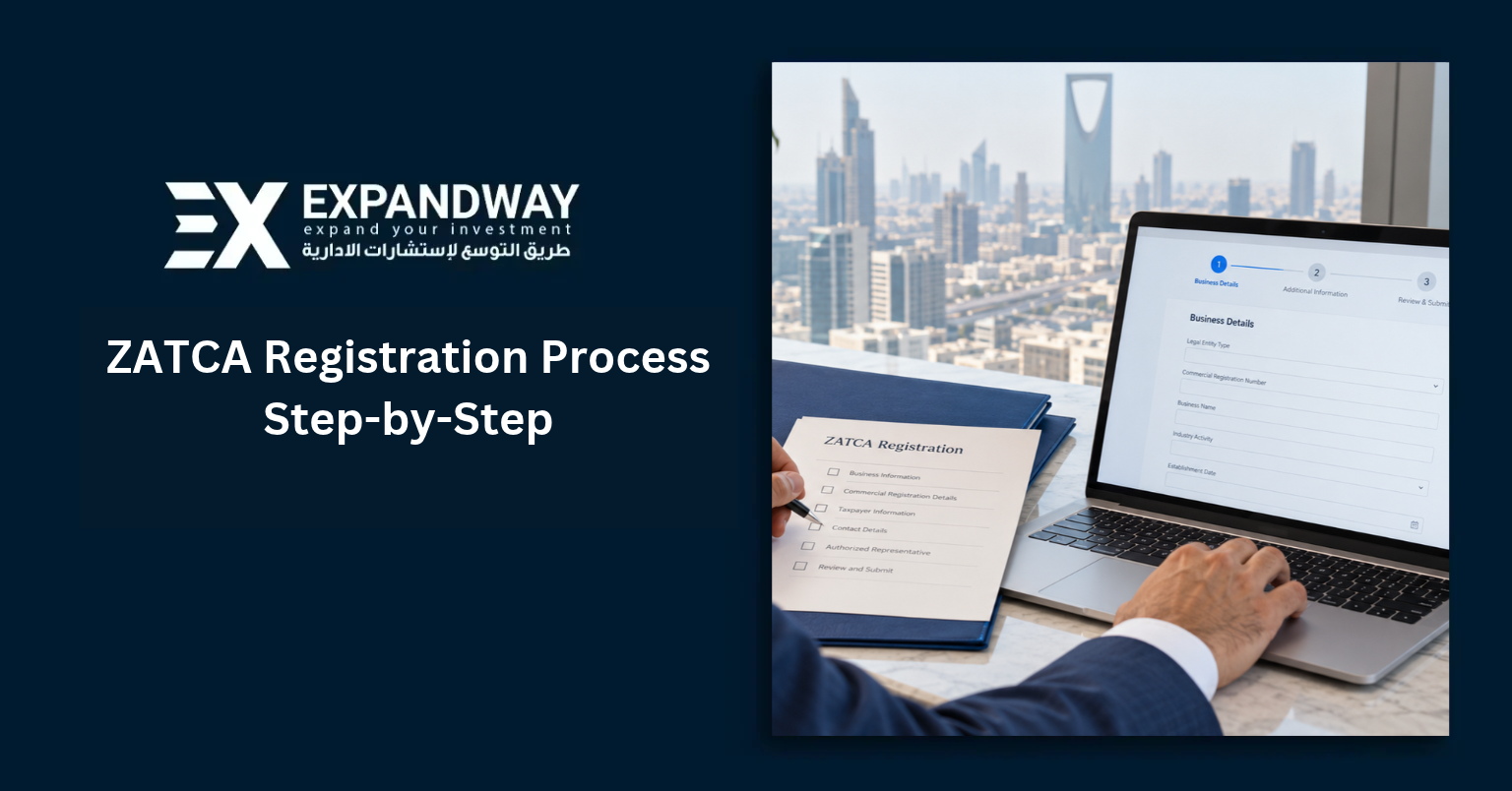
Step 3: Complete initial Zakat or income tax registration
Open the applicable Zakat or corporate income tax service and complete the initial registration requirements.
Review the business details, ownership information and financial information requested. Submit the form, then retain the completion notification.
ZATCA’s Zakat journey states that completing initial registration leads to automatic enrollment in Zakat services for the relevant taxpayer. However, your business must still establish which tax obligations apply to its ownership and activities. zatca.gov.sa
Step 4: Check whether VAT registration applies
Assess your taxable supplies before submitting a VAT application. For resident businesses, the main tests are:
| Registration type | General threshold test |
|---|---|
| Mandatory VAT registration | Taxable supplies exceed SAR 375,000 over the previous 12 months, or are expected to exceed it over the next 12 months. |
| Voluntary VAT registration | Taxable supplies or taxable expenses exceed SAR 187,500 over the previous 12 months, or are expected to exceed it over the next 12 months, subject to eligibility. |
The calculation is based on taxable activity, not simply every amount entering your bank account. Exempt supplies, out-of-scope supplies and capital-asset disposals need the correct treatment.
Non-residents obligated to pay Saudi VAT can face mandatory registration regardless of supply value. Therefore, they should not rely on the resident threshold test. zatca.gov.sa
Example: A resident business with SAR 450,000 in qualifying taxable supplies over the previous 12 months exceeds the mandatory threshold.
Special cases require a separate assessment. Review the VAT Implementing Regulations if your activities, residence status or supply mix create uncertainty.
Step 5: Submit your VAT registration application
If registration applies, select VAT Registration for Businesses from ZATCA’s e-services.
Follow the current service manual:
- Sign in and complete verification.
- Open VAT Services, then Register in VAT.
- Complete the taxpayer details.
- Enter sales and purchase information.
- Attach the requested supporting documents.
- Complete representative information as applicable.
- Review the summary and submit your request. VAT Registration for Establishments
ZATCA’s service overview also describes a General Services → VAT Registration route. Follow the labels shown in your account, since the entry screen can differ. zatca.gov.sa
Save the submission confirmation and monitor your registered email, mobile number and portal account for updates.
Step 6: Download and check your VAT certificate
Once ZATCA approves the application, obtain your VAT certificate and review the registration details.
Check the business name, VAT number and effective registration date before updating your accounting system. Keep an accessible copy for your finance team.
An application confirmation only confirms submission. Wait for the completed registration and certificate before treating the application as approved. The official VAT registration journey explains certificate notification after completion. zatca.gov.sa
Step 7: Prepare for ZATCA e-invoicing
E-invoicing is a separate compliance requirement. ZATCA distinguishes between:
- Phase 1 — Generation: produce and store compliant electronic invoices and notes.
- Phase 2 — Integration: connect your invoicing solution to ZATCA’s systems and meet the additional requirements for your notified wave.
Phase 1 began on 4 December 2021. Phase 2 began on 1 January 2023 and continues through targeted waves. zatca.gov.sa
Work with your software provider to confirm which phase applies and complete the required configuration. Creating a portal account or generating a one-time password does not, on its own, complete integration.
2026 update: check your Wave 25 Fatoora deadline
On 24 July 2026, ZATCA announced Wave 25 of Phase 2 e-invoicing. It covers targeted taxpayers whose revenues subject to VAT exceeded SAR 187,500 in any of 2022, 2023, 2024 or 2025.
ZATCA states that the targeted taxpayers must integrate with Fatoora by no later than 1 February 2027. Read the official Wave 25 announcement. zatca.gov.sa
Check your ZATCA notification and confirm the deadline with your invoicing provider. This wave criterion is separate from the mandatory VAT registration threshold. It also does not replace an earlier integration deadline that already applied to your business.
How long does ZATCA registration take?
ZATCA publishes the following service-level periods:
| Service | Published processing period |
|---|---|
| Zakat registration for establishments | 1 working day |
| Income tax registration for foreign establishments | 1 working day |
| VAT registration for establishments | 5 working days |
| VAT registration for individuals | 5 working days |
These are service-level periods, not guaranteed approval times. ZATCA excludes time needed to complete missing information or obtain processing from third parties. Consult its Service Level Agreement when planning your application. zatca.gov.sa
What does VAT registration cost?
ZATCA lists its VAT Registration for Businesses service as free. zatca.gov.sa
If you hire a consultant, agree on the professional service fee separately. Accounting support and invoicing software may also involve separate costs. These are different from ZATCA’s own registration service charge and any tax your business owes.
Common ZATCA registration mistakes to avoid
- Stopping after receiving a TIN: complete the relevant registration requirements and check their status.
- Confusing taxpayer registration with VAT registration: verify each service separately.
- Using total receipts without reviewing their tax treatment: assess qualifying taxable supplies and expenses.
- Ignoring forecast activity: consider the next 12 months as well as the previous 12 months.
- Submitting inconsistent information: match business details to the supporting records.
- Leaving e-invoicing until the deadline: review your notification and involve your software provider early.
After registration, assign someone to monitor portal notices and filing obligations. Our accounting and tax support services can help your team organize the next steps.
Frequently asked questions
Is ZATCA registration the same as VAT registration?
No. Initial taxpayer registration establishes your profile for applicable tax services. VAT registration is a separate process with its own eligibility requirements and certificate.
Can individuals register for VAT in Saudi Arabia?
Yes. ZATCA provides a dedicated VAT Registration for Individuals service for individuals carrying out qualifying economic activity. Use the individual route and assess the relevant registration requirements. zatca.gov.sa
Must every VAT-registered business integrate with Fatoora immediately?
Phase 2 integration follows ZATCA’s notified waves. However, Phase 1 requirements may already apply. ZATCA’s e-invoicing FAQs also exclude non-resident taxable persons from the e-invoicing scope. zatca.gov.sa
Complete your ZATCA registration with a clear plan
Start by confirming your taxpayer account and applicable registration services. Next, assess VAT eligibility, prepare consistent records and track your application through completion. Finally, check the invoicing requirements and deadlines that apply to your business.
Need help with the ZATCA registration process? Expandway can review your company’s registration stage, help organize the required information and discuss accounting and tax support.
Contact Expandway to review your ZATCA registration requirements.