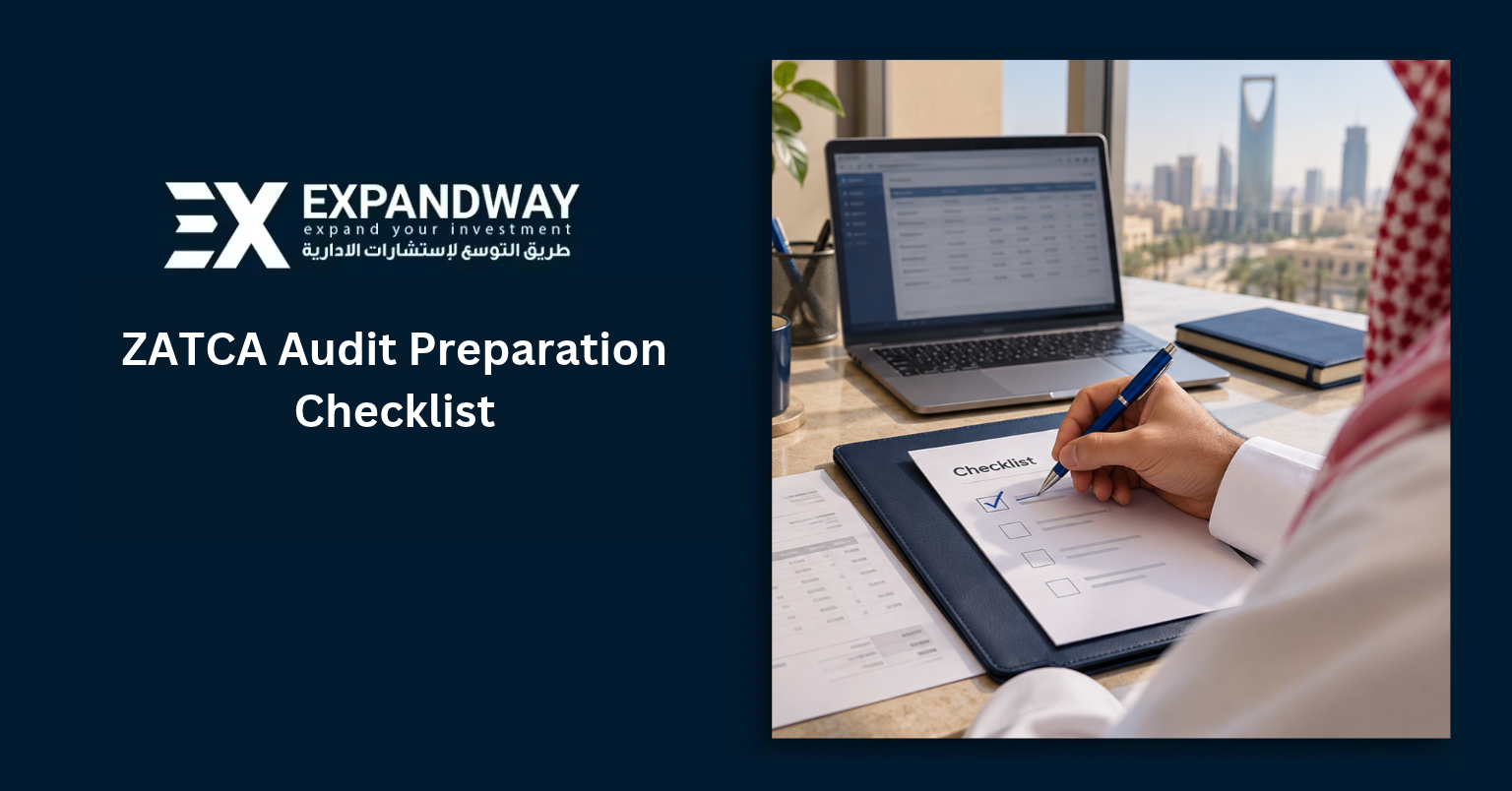
If the Zakat, Tax and Customs Authority (ZATCA) asked which invoices make up the input VAT on your last return, how quickly could your team show them? This ZATCA audit preparation checklist starts with that question. Use it to build a file for one Saudi tax period, trace the figures back to their source, and record anything your team still needs to resolve.
Already received a notice? Start with its reference number, tax type, period, requested items, and response deadline. Those details determine which parts of the checklist you need. For an overview of what happens during a review, see Expandway’s guide to the ZATCA audit process.
- 1. Build an audit file for the period under review
- 2. Reconcile the VAT return to the books
- 3. Check Fatoora e-invoicing records
- 4. Add Zakat, income tax, and withholding tax evidence
- 5. Apply the right record retention period
- 6. Test the file and respond to a ZATCA notice
- Put your ZATCA audit preparation checklist to work
1. Build an audit file for the period under review
Choose one person to coordinate the response and a backup who can access the same records. Create a document index with one row per request. Give each row an owner, a due date, and a link to the evidence. Keep the return as filed alongside the working papers your team used to prepare it.
| File section | What to collect |
|---|---|
| Filings and correspondence | Filed returns, submission receipts, payment confirmations, notices, and previous replies. |
| Accounts and cash | Financial statements, including audited statements where applicable, trial balance, general ledger, bank statements, and reconciliations. |
| Sales and purchases | Transaction-level ledgers, customer and supplier invoices, credit and debit notes, and material contracts. |
| Supporting schedules | Asset purchases and disposals, inventory movements, payroll reconciled to GOSI records where relevant, and customs declarations for imports or exports. |
Test access before you need it. Ask the backup owner to retrieve an original invoice from the index. For Saudi VAT, Article 66 requires records in Arabic and allows an additional language on tax invoices. It also sets conditions for electronic storage, including access to the records from the Kingdom and the ability to produce supporting originals on request. See ZATCA’s VAT Implementing Regulations, Article 66.
2. Reconcile the VAT return to the books
Start with the submitted return. For each figure, record the ledger total, the difference, and the evidence that explains it. A balanced spreadsheet is only the first check. Someone else should be able to open an invoice and follow it through to the right return.
Sales and output VAT
- Compare revenue in the accounts with sales on the VAT returns for the same period. Identify timing differences and separate standard-rated, zero-rated, exempt, and out-of-scope transactions.
- Match output VAT to issued invoices and related credit or debit notes. Check the tax period as well as the amount.
- For a zero-rated export of goods, connect the sales invoice to the relevant customs and transport evidence. Investigate any missing link.
Purchases and input VAT
- Trace input VAT claims to supplier tax invoices or import evidence. Check dates, amounts, and the basis for recovery.
- Review imported services separately. Where the reverse charge applies, show the output VAT calculation and any input VAT the business can recover.
- Reconcile the VAT control account to the return and payments. Explain credit notes, bad-debt adjustments, and manual entries individually.
Worked example. Your sales ledger shows SAR 200,000 before VAT, but the return shows SAR 190,000 of standard-rated sales. You find a SAR 10,000 credit note. Check whether the ledger report already includes it, whether it relates to a standard-rated invoice, and which period it belongs to. Only then can you tell whether it explains the gap or whether the return needs further review.
3. Check Fatoora e-invoicing records
Test an invoice from each sales channel, such as a retail till and a wholesale billing system. If Phase 2 applies, match the invoice in your accounting system to its electronic file and ZATCA response.
- Standard tax invoices. Confirm that Fatoora cleared the invoice before you shared it with the buyer. Retrieve the cleared electronic file.
- Simplified tax invoices. Compare the issue time with the reporting acknowledgement. Phase 2 requires reporting within 24 hours of issuance.
- Exceptions. Pick one rejected submission, trace the correction, and confirm the final status. Check that a retry did not create a second sale in the ledger.
Keep the structured invoice data, applicable QR code, linked credit or debit notes, and submission responses together. A printed invoice alone cannot show when your system reported it. See ZATCA’s detailed e-invoicing guide.
2026 update for businesses in Wave 25
On 24 July 2026, ZATCA announced that Wave 25 covers targeted taxpayers whose revenue subject to VAT exceeded SAR 187,500 in any of 2022, 2023, 2024, or 2025. Their deadline to integrate with Fatoora is 1 February 2027. Check your company’s notification and keep it with the integration records. If an earlier wave already applied to you, keep using your original deadline. Read ZATCA’s Wave 25 announcement.
4. Add Zakat, income tax, and withholding tax evidence
Use the tax types that apply to your entity and the periods named in the request. Each schedule should explain how your team moved from a figure in the accounts to the amount it declared.
- Zakat. Keep the declaration and Zakat-base calculation. Cross-reference the balances, additions, and deductions to the trial balance. Include the supporting detail for financing and related-party balances.
- Corporate income tax. Start with accounting profit and show each adjustment to taxable income. Attach support for items such as provisions, bad debts, and related-party charges. Keep agreements and transfer-pricing support where relevant.
- Withholding tax. Review payments to non-residents by recipient and income type. Record what each payment covered and why you applied a particular treatment. Where tax was due, link the contract and payment record to the return and remittance evidence.
For example, an overseas supplier’s invoice may include equipment and a separately priced service. Keep the contract breakdown so the reviewer can assess each payment against the relevant rules. See ZATCA’s withholding tax guideline.
5. Apply the right record retention period
Before archiving a file, identify what each document supports. An import declaration, for example, can support both customs clearance and an input VAT claim. Keep it for the longer applicable period.
| Record type | How long to keep it |
|---|---|
| General VAT invoices, books, and supporting records | At least 6 years from the end of the tax period they relate to. |
| VAT records for movable capital assets | Normally 11 years from acquisition, based on the standard 6-year adjustment period plus 5 years. |
| VAT records for immovable capital assets | Normally 15 years from acquisition, based on the standard 10-year adjustment period plus 5 years. |
| Customs records for exported goods | 5 years from completion of the customs operation under ZATCA’s export procedures. |
The capital-asset rule uses the applicable adjustment period. Check the asset’s circumstances before setting a disposal date. Sources: VAT Implementing Regulations, Articles 52 and 66, ZATCA’s VAT guide to economic activity, and Saudi customs export procedures (Arabic).
6. Test the file and respond to a ZATCA notice
Run a mock audit on one closed period. Give a colleague who did not prepare the return three items to trace, such as a large refund claim, a year-end credit note, and a related-party payment. Ask them to retrieve the original evidence and explain the tax treatment. Use 24–48 hours as an internal practice target. The deadline on an actual notice governs your response.
- Read the request. Record the reference, tax type, periods, specific questions, deadline, file format, and submission channel.
- Match each answer to evidence. Number the documents to match the questions. Flag missing records early and assign someone to obtain them.
- Review discrepancies. If you find a possible filing error, preserve the original return and evidence. Have your tax lead assess the applicable correction procedure before replying.
- Keep the submission trail. Ask an authorized reviewer to sign off. Submit through the stated channel, save the receipt and exact files sent, and log any follow-up.
Put your ZATCA audit preparation checklist to work
Open your latest filed return today. Choose the largest input VAT claim and ask a second team member to find its invoice, ledger entry, and calculation. If the trail breaks, you have a specific gap to fix before the next close.
If you already have a ZATCA notice, bring the tax type, period, response date, and list of requested documents to your first conversation. Expandway’s accounting and tax team can help you reconcile the figures and organize the supporting file. Explore Expandway’s accounting and tax services or request a ZATCA audit preparation consultation.